
md-watch: live Markdown preview that keeps your scroll position
Summary: A small Node CLI that serves a rendered Markdown file and updates it in place on save. How the reload works, why the server keeps no state, and how Mermaid, video and themes fit in.
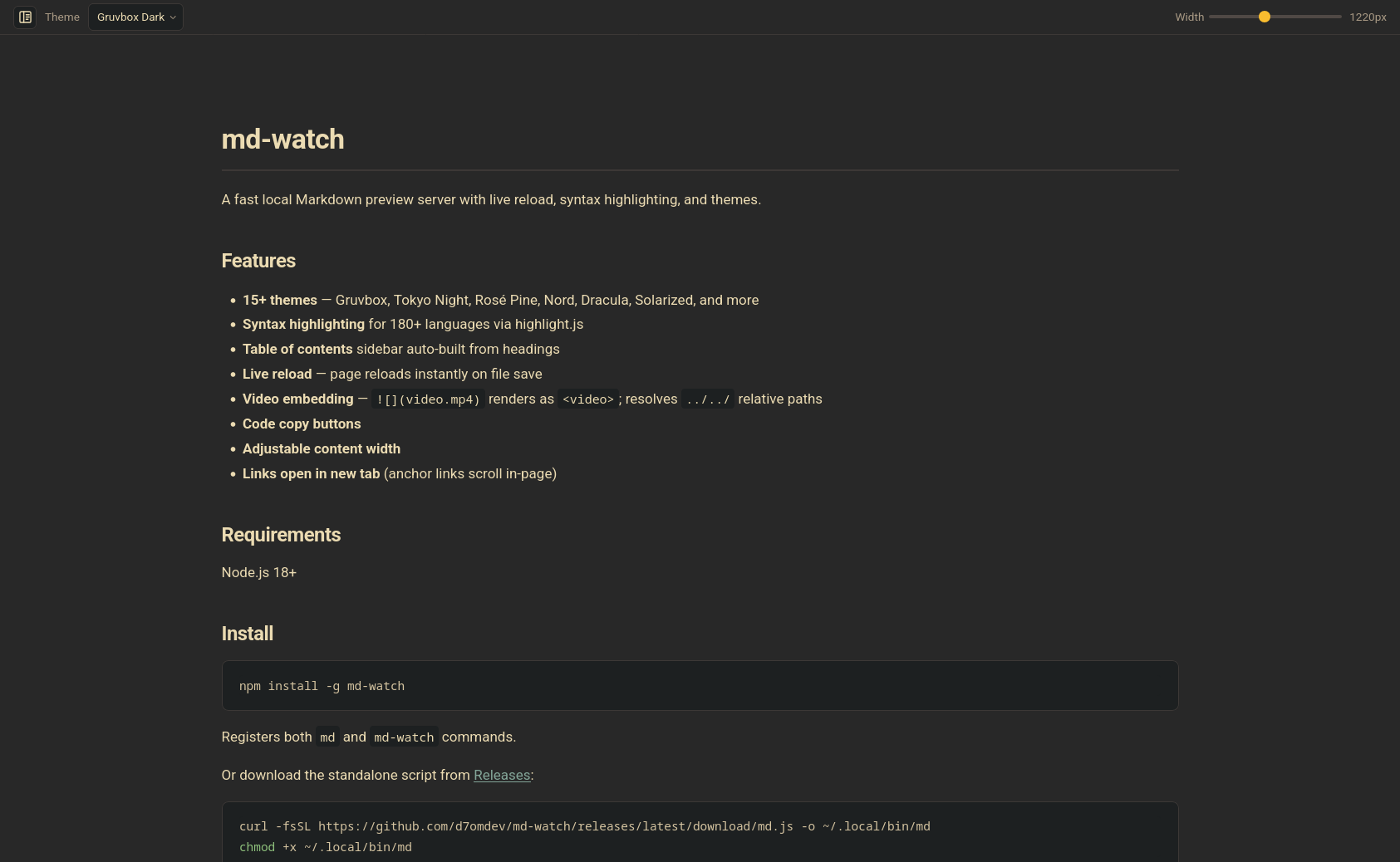
md-watch is a small command line tool: point it at a Markdown file and it serves a rendered page on http://localhost:8123 that updates every time you save.
I write Markdown in an editor and want to read it rendered in a browser, with the code highlighted and the diagrams drawn, without installing a plugin for every editor I touch. So I built a server for it.
Live reload without reloading the page
The obvious way to do live reload is to have the server watch the file and tell the browser to refresh. A full refresh throws away your scroll position, which is exactly what you don't want when you're editing section seven of a long doc.
md-watch doesn't refresh. The page polls the server every 500ms and asks for the file's modification time:
setInterval(async () => {
  try {
    const path = location.pathname;
    const r = await fetch('/_hash?path=' + encodeURIComponent(path), { cache: 'no-store' });
    if (!r.ok) return;
    const h = await r.text();
    if (path !== location.pathname) return;
    if (lastHash !== null && h !== lastHash) loadPage(location.pathname, { keepScroll: true });
    lastHash = h;
  } catch (_) {}
}, 500);
Swapping only the content
When the mtime changes, loadPage fetches the freshly rendered HTML, parses it with DOMParser and swaps only the #content element.
Then it waits for images to decode and videos to load their metadata before restoring the scroll position. Swapped-in media starts out shorter than it ends up, and scrolling too early lands you too far down.
If the fetch fails, which usually means the file is mid-save, it does nothing and the next poll tries again.
Links to other files
The same function handles clicking a link to another .md file. It swaps the content in place, pushes a history entry and remembers your scroll position, so Back and Forward work and file.md#heading links jump to the right place.
What "stateless server" means here
Earlier versions used fs.watch and a render cache tied to the file you started with. That broke once you navigated to a second file or opened a second tab: the cache served stale pages.
The fix was to delete the state. Every request now resolves its file from its own URL, and the reload check is just this handler in server.ts:
if (pathname === "/_hash") {
  const file = resolveFile(url.searchParams.get("path") ?? "/");
  if (!file) {
    send(res, 404, "Not found");
    return;
  }
  res.writeHead(200, { "Content-Type": "text/plain", "Cache-Control": "no-store" });
  res.end(String(statSync(file).mtimeMs));
  return;
}
No watcher, no cache, nothing to invalidate. Each Markdown request is rendered from disk on the spot, and three tabs on three files each poll for their own file.
Polling a
stattwice a second is cheaper than it sounds, and a lot easier to reason about than file watcher events.
Which files it will serve
Since it's a server that reads files, it is careful about which ones:
- It binds to
127.0.0.1by default. - It rejects requests whose
Hostheader isn't localhost or an IP, to stop DNS rebinding. - It resolves symlinks before checking that a path is inside your home directory, the working directory or the entry file's folder.
Rendering choices
Parsing is marked with extensions for GitHub-style callouts, footnotes and KaTeX math.
- Code blocks go through highlight.js and get a small header with the language name and icon.
- Front matter is stripped.
- The page title comes from the first
#heading.
Mermaid loads lazily
Mermaid is the heavy one, so it's lazy. A mermaid fence renders as a <pre class="mermaid"> with the diagram source stored base64-encoded in a data attribute.
The client only imports Mermaid when the page actually has one of those, and it picks Mermaid's dark or default theme from whichever page theme is active. Because the original source is kept on the element, switching themes re-renders the diagrams to match.
Videos in image syntax
Images get one special case. If the path ends in a video extension (.mp4, .webm, .mov and a few others),  becomes a <video> instead of a broken image.
The server supports HTTP range requests so the browser can seek, and relative paths with ../ resolve correctly.
Themes
There are 19 themes, including Gruvbox, Tokyo Night, Rosé Pine, Catppuccin, Nord and Dracula. Each one pairs page colours with a matching highlight.js style, and your choice and content width are saved in localStorage.
Switching from Tokyo Night to Rosé Pine Dawn, then through a few more themes.
Installing and running it
It needs Node.js 18 or newer and is published on npm as @d7om/md-watch. The install gives you two commands, md and md-watch:
npm install -g @d7om/md-watch

md README.md                          # http://localhost:8123
md docs/index.md --port 3000 --open
md notes.md -p 0 -o --exit-on-close   # one-shot preview
Ports and closing the tab
If 8123 is taken it moves to the next free port, and -p 0 picks any free one.
--exit-on-close stops the server when you close the tab, with a three-minute idle timeout as a fallback for when the browser crashes.
That flag exists so you can wire md-watch into a file manager. The README has a KDE Dolphin service menu that adds "Render md" to the right-click menu.
Builds and releases
The whole thing builds to a single file, dist/md.js, bundled by esbuild with the HTML template inlined. If you'd rather skip npm, every release attaches that file with a SHA-256 checksum.
Releases run on GitHub Actions:
- Bun installs, tests and builds.
- npm publishes with provenance through npm's trusted publishing, so there's no token secret in the repo.
I moved to that after the old NPM_TOKEN stopped being able to publish.
The code is on GitHub under MIT.


