
My portfolio, over SSH
Summary: Run ssh i.d7om.dev and this site opens in your terminal. How I built it with Go and Charm's Wish and Bubble Tea, fed it from the site's own APIs, and let strangers onto port 22 safely.
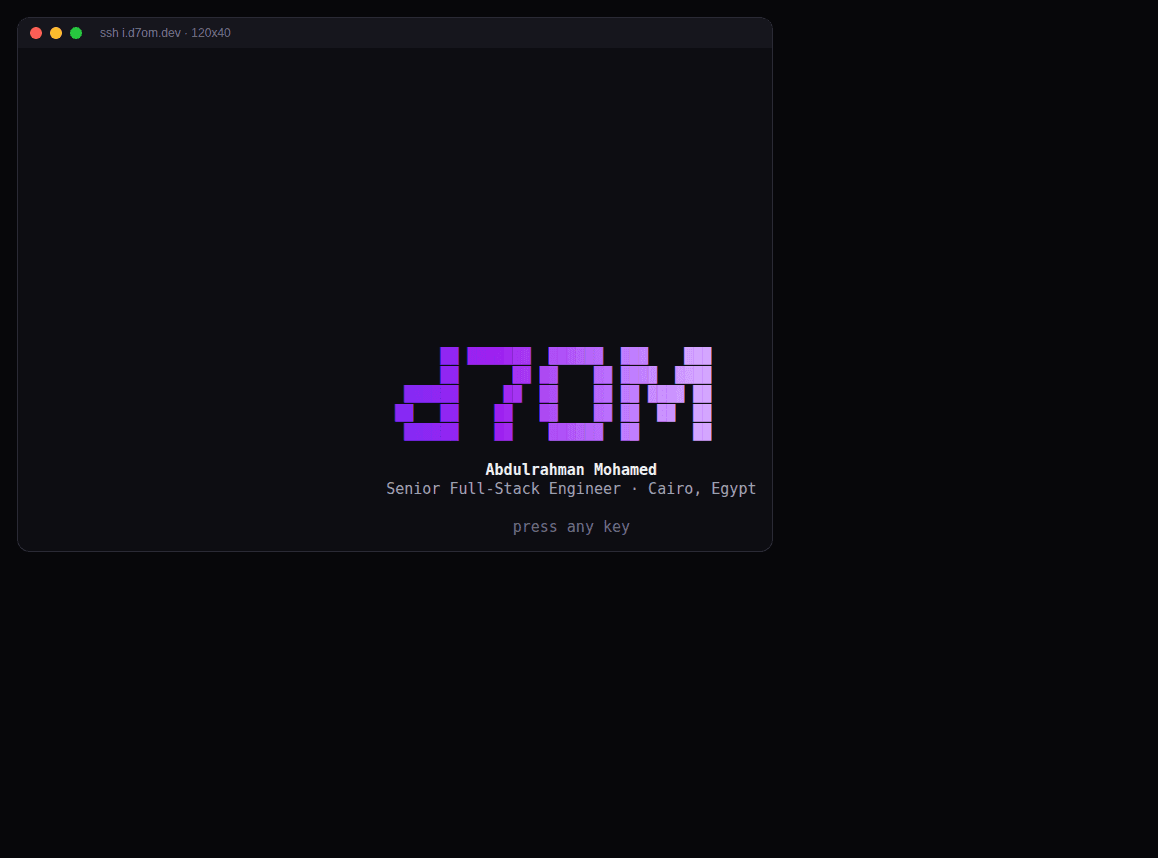
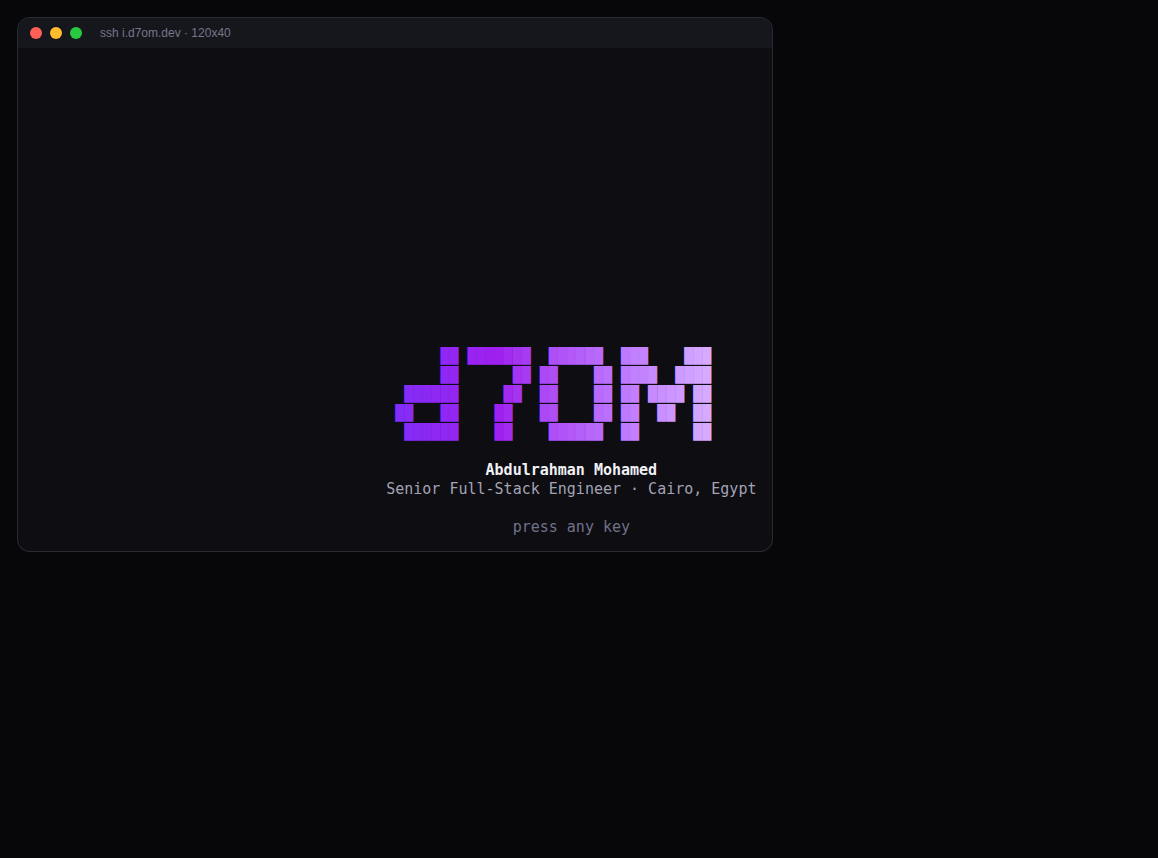
Type this into any terminal:
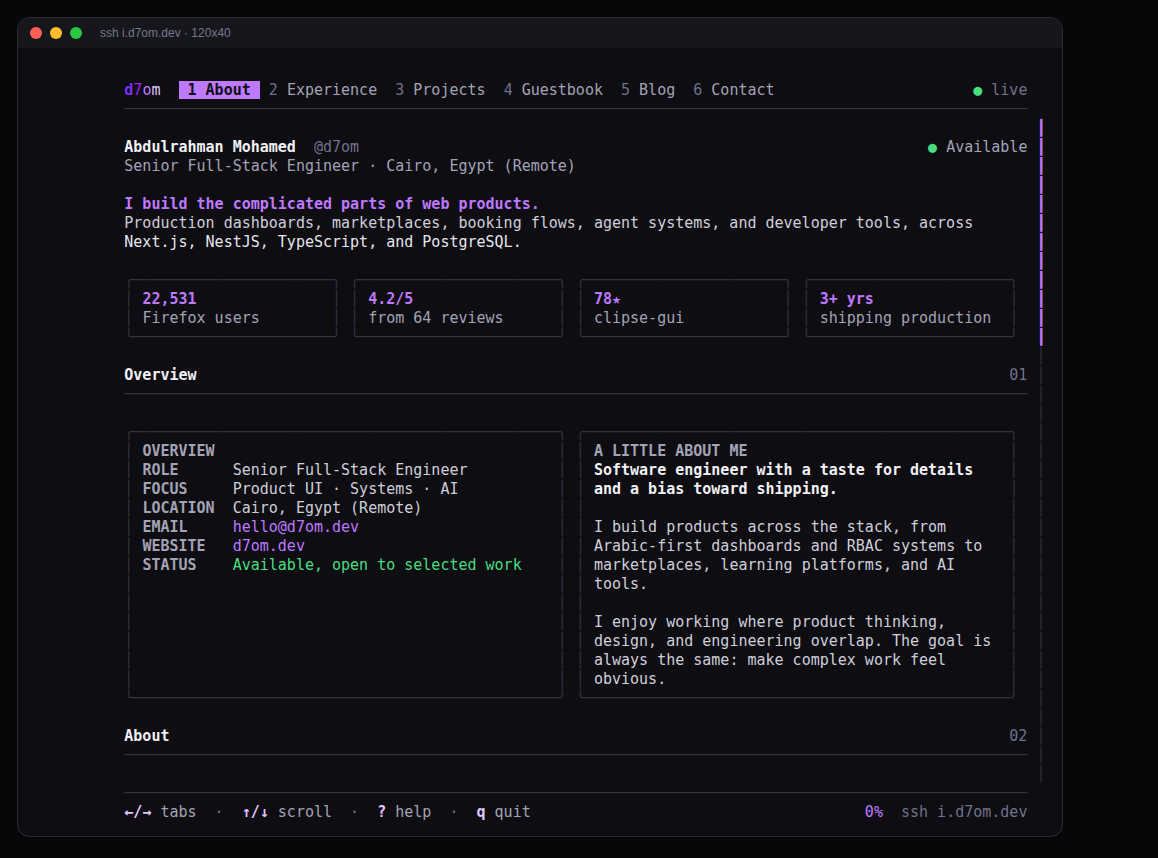
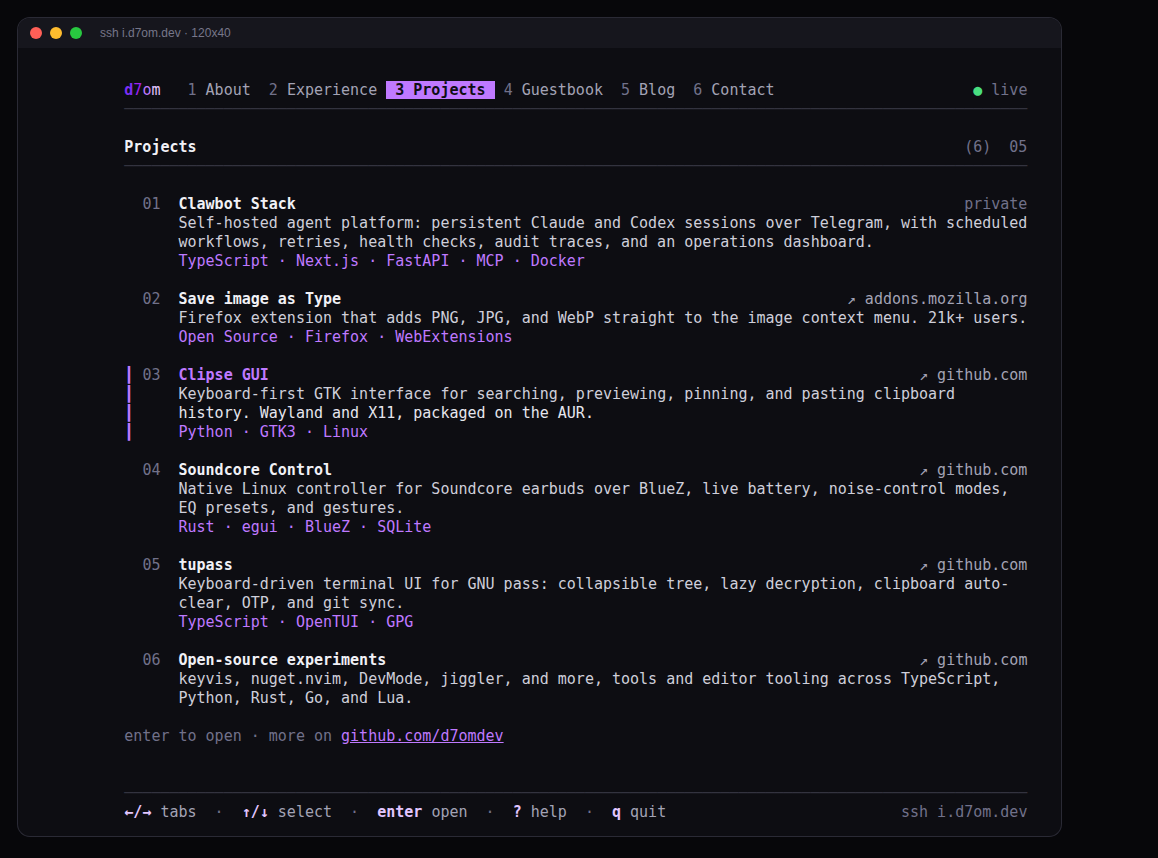
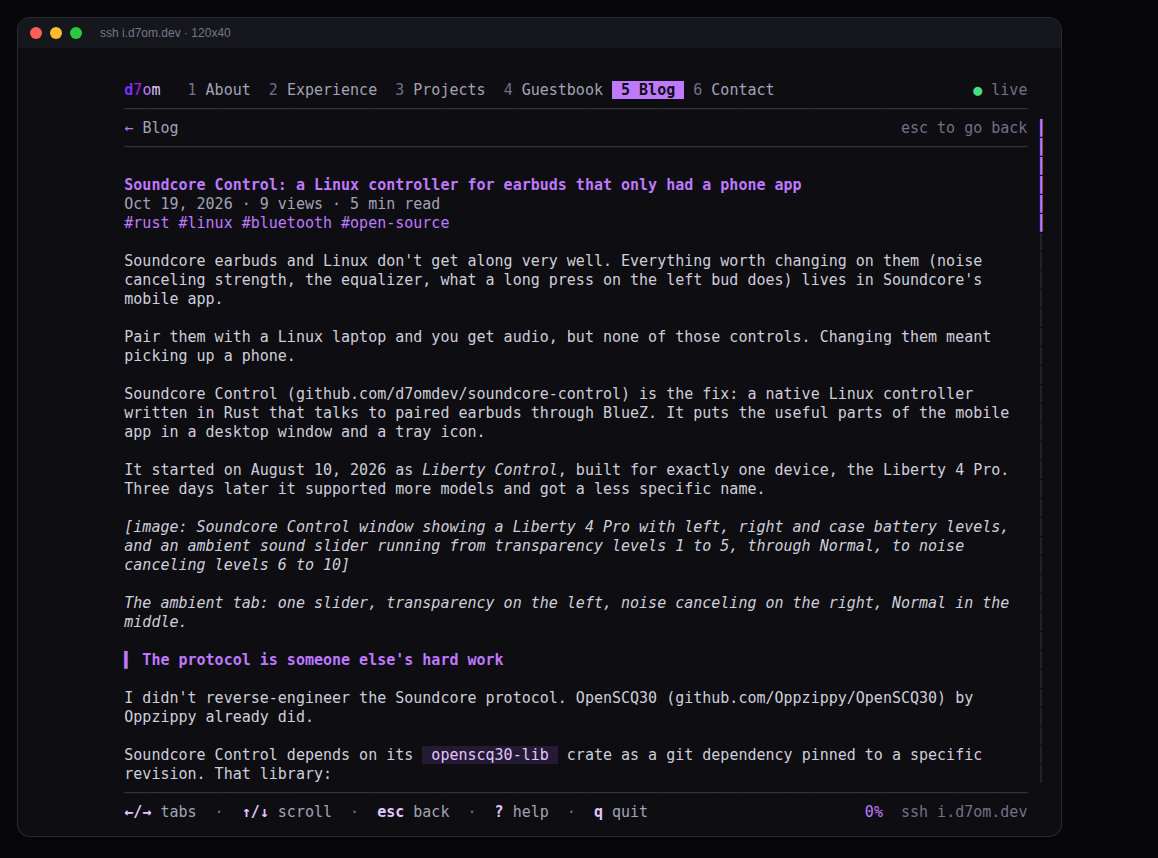
ssh i.d7om.devYou get this site, in your terminal. About, experience, projects, the blog, the guestbook and contact links, with keyboard navigation and the same purple. No password, no account, nothing to install.
I stole the idea from terminal.shop, where you ssh terminal.shop and buy coffee from a TUI. I've wanted a version of my portfolio like that for a while.
The stack
It's Go and the Charm libraries, the same ones terminal.shop is built on:
- Wish is the SSH server. It never touches the machine's real OpenSSH and never gives anyone a shell.
- Bubble Tea runs the app itself. Every SSH session gets its own Bubble Tea program, wired to that session's PTY.
- Lip Gloss does the boxes, borders and colours.
- Glamour renders blog posts as Markdown, with a dark style I retuned to the site's purple.
The whole thing is about 4,600 lines of Go and one 17 MB static binary. With nobody connected it sits at around 11 MB of RAM.
Where the content comes from
I didn't want a second copy of my portfolio to keep in sync by hand, so the terminal reads the same public JSON APIs the website uses: /api/nav-items for the tab order, /api/grid-items for the About cards, /api/projects, /api/blog, /api/guestbook, /api/social-media and /api/cv.
The server fetches all of it at startup and refreshes it every five minutes in the background. Sessions only ever read an in-memory snapshot, so opening a tab never waits on the network. If an endpoint fails, it keeps the last good data and the header switches from ● live to ● cached.
A copy of everything, post bodies included, is also embedded in the binary. If d7om.dev is down when the server boots, you get that copy and a ○ offline copy label instead of an error.
Experience was the awkward one. There's no JSON endpoint for the company, role and client tree, so the server pulls it out of the React Server Components payload embedded in the homepage HTML. That's fragile on purpose: if the format changes, it falls back to the embedded copy and logs it. A proper endpoint is on my list.
A few things have no API at all (the stack list, education, languages, the stats strip), so those are hard-coded for now.
Terminals are weirder than browsers
Most of the time went into layout, not features.
The last column
At exactly 80x24 the screen kept corrupting: the header showed up twice and two pages got mixed together. The cause was any line that filled the last column. Many terminals wrap the cursor at that point, the next newline scrolls the screen by one row, and Bubble Tea's idea of where everything is drifts from reality.
The fix was boring: never draw in the last column. Every line is clamped to width - 1.
Emoji width
One guestbook message had a hand emoji with a skin tone modifier. Terminals don't agree on how many cells that takes, and the width library's answer didn't match mine. That one message pushed a whole bordered card out of alignment. The modifiers get stripped before rendering now.
Small windows
Below 60x20 there isn't enough room to show anything properly, so you get a "make the window bigger" screen instead of a broken layout. Resizing redraws everything live.
To catch this stuff I drove real SSH sessions through tmux at fixed sizes (120x40, 80x24, 50x15, plus resizes between them), captured the panes, and read them back. Every bug above showed up there first.
Letting strangers into port 22
This is a server anyone on the internet can connect to with no credentials, so I was careful about what it can do.
- No shell, ever. Exec requests, port forwarding and SFTP are all refused. If you run
ssh i.d7om.dev some-commandor connect without a PTY, you get a short plain-text card and the connection closes. - Guestbook text is sanitised. Messages come from the public, and a message with terminal escape sequences in it could repaint or mess with your terminal. Every string has control characters stripped before display.
- Limits. 200 sessions in total, 6 at once per IP, a rate limit on new sessions, a 15 minute idle timeout and a 2 hour cap.
- Locked-down service. It runs as its own unprivileged user under systemd. Binding port 22 uses
CAP_NET_BIND_SERVICEand nothing else, with a strict sandbox: read-only system, no home directories, a syscall filter and a 512 MB memory cap.
Why it's i.d7om.dev and not d7om.dev
I wanted plain ssh d7om.dev. That can't work for free: d7om.dev points at Vercel, which only answers HTTP. Cloudflare can't help either, because its proxy only carries web traffic. Routing SSH through it needs Spectrum, a paid add-on.
So the portfolio lives on a subdomain that points straight at my server, with the DNS record set to "DNS only". The cost was moving my own admin SSH off port 22 to make room. I reach the server over Tailscale now anyway.
Try it
ssh i.d7om.devArrow keys or 1 to 6 switch tabs, j/k scroll, enter opens a project or post, ? shows the keys and q quits. A window of at least 80x24 looks best, and a terminal with truecolour looks better.
If something renders wrong in your terminal, sign the guestbook with your terminal and window size and I'll take a look.


